Contact RockyBook for Online Cricket ID Support
Need help with a RockyBook account or want to request a new online cricket ID? Contact official RockyBook support on WhatsApp at +91 98877 02830. This is the official WhatsApp number for direct RockyBook support, and assistance is available 24 hours a day, seven days a week.
People in India searching for RockyBook's official online cricket ID WhatsApp number can use this verified account-support route. Before continuing, confirm that you are an adult, meet the legal-age requirement and are permitted to participate where you live. Do not request an ID where online betting is prohibited.
Message RockyBook on WhatsApp with a clear description of what you need. You can ask about a new ID, account access, payment credit, bonus conditions, withdrawal status or responsible-play information through WhatsApp.
WhatsApp +91 98877 02830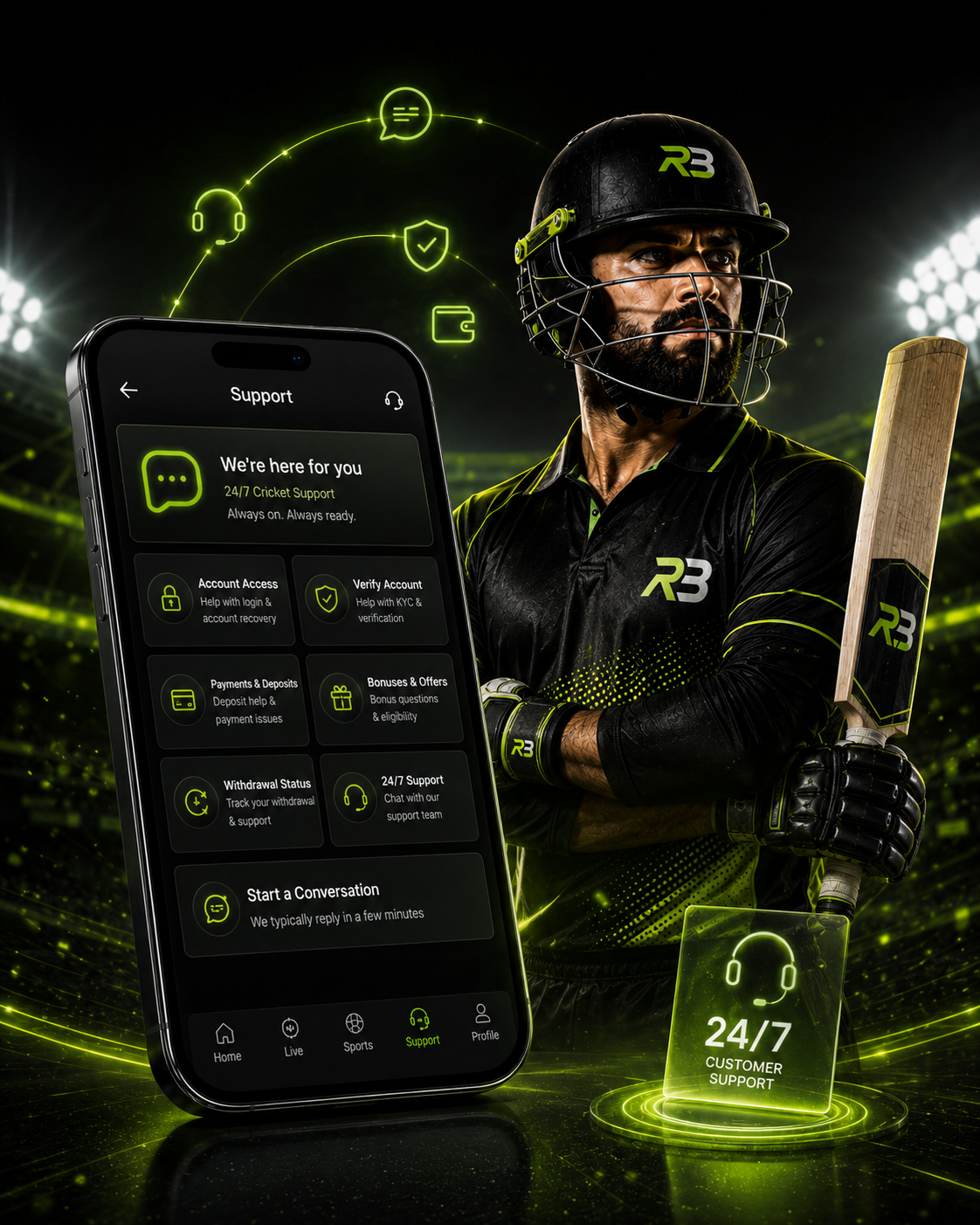
Official RockyBook WhatsApp Support
The official RockyBook WhatsApp number is +91 98877 02830. Save the number carefully and check it before sharing account-related information. Avoid contacts using similar names, unexpected messages and any person directing you to a different number.
What RockyBook Support Can Help With
Requesting a New Online Cricket ID
Eligible adults can message official support to request a personal RockyBook online cricket ID. State that you need a new game ID and provide the information requested in the verified conversation. Ask for clarification if any part of the account process is unclear before proceeding.
Login and Account Access
If you cannot access an existing account, share the game ID and briefly explain what happened. Mention any visible error message, if relevant. Never send your password or one-time verification code. Official support can review the request and explain the available next step for your specific account.
Payment or Deposit Credit
Before completing a payment, confirm the correct game ID, amount and current payment details through official WhatsApp support. After the payment is completed and confirmed, the full confirmed amount is credited to the same game ID.
If the credit needs to be checked, send the relevant game ID, payment amount, approximate transaction time and the reference information requested by support. Do not send a payment PIN, password, OTP or verification code.
₹500 Joining Bonus
New RockyBook customers can receive a ₹500 joining bonus. Current conditions apply. Ask support to explain the offer and confirm how it applies to your game ID before completing a payment or starting to play. The bonus does not guarantee a winning result or remove betting risk.
Withdrawal Questions and Status
For a withdrawal question, provide the correct game ID, requested amount, request date and any reference shown in your account. Support can check the available status information, but this page does not promise an exact completion time or guarantee a particular outcome.
Responsible-Play Questions
You may contact support if you have a question about controlling your account activity. If betting is no longer enjoyable or feels difficult to stop, pause immediately, avoid making another payment and seek suitable responsible-gambling assistance where you live.
Frequently Asked Questions
The official RockyBook WhatsApp support number shown on this page is +91 98877 02830. WhatsApp assistance is available 24 hours a day, seven days a week.
Yes. Eligible adults who are legally permitted to participate can message official support and request a new RockyBook online cricket ID. Follow the process explained in the verified conversation.
Send the type of assistance required and a concise description. Share a game ID or transaction information only when support requests it. Never send a password, OTP or payment PIN.
After your payment is completed and confirmed, the full confirmed amount is credited to the same game ID. Confirm the correct ID and current payment details before paying.
Send the game ID, payment amount, approximate transaction time and relevant reference requested by support. Never disclose any payment PIN, banking credential, password or OTP.
New customers can message +91 98877 02830 and ask for the current joining-bonus conditions. Confirm how the ₹500 offer applies before paying or playing.
Support can review available status information when you provide the correct game ID and relevant request details. No exact completion time or guaranteed withdrawal outcome is promised.
Official WhatsApp support is available 24/7 at +91 98877 02830. Response and resolution times can vary according to the request and any confirmation required.
Message Official RockyBook Support
If you are an eligible adult and participation is lawful where you live, message RockyBook on WhatsApp at +91 98877 02830. Request a new online cricket ID or ask for help with account access, payment credit, bonus conditions, withdrawal status or responsible play.
Betting outcomes remain uncertain, and an account or bonus cannot guarantee winnings. Use only money you can afford to lose, set firm time and spending limits, never chase a loss and stop if betting affects your finances or wellbeing.